Have you ever visited a boring website with no images and videos on it and just plain written context? From a user’s point of view, beautiful images do play an important role as they enhance the visual effects and user experience of the website. Meanwhile, just having a beautiful image is not enough, optimising it also has an integral part. Images too, do explain the content of your page and it helps in increasing the user engagement rate of the site.
As of now, image quality doesn’t have any direct relation to rank on SERP, but as an SEO professional, we need to work on every element of the website that has a direct or indirect effect on the website’s profile.
A good optimised and unique image has a high chance of ranking on “Image SERP”.
Whereas, having heavy images can decrease your website load time or poor quality images can ruin the user experience of the website. So as an SEO professional, we have to work on everything possible that can ruin the website’s reputation.
Top 10 Best & Effective Image Optimisation Tools
What is the use of image optimisation tools for SEO?
What are the different criteria involved in image optimisation?
The Different Image Optimisation Tools
What is image optimisation?
Image optimisation is the process of making the image website-friendly to deliver the result in an ideal format without compromising the quality. It involves creating content (image) that is both search engine-friendly and user-friendly. It involves compressing the file size (kilo Byte, MegaByte) & Image size (in pixels), keeping the right resolution and giving alt text. Optimised images take less storage space in the server which results in quick loading.
What is the use of image optimisation tools for SEO?
Image optimisation tools help us to create an image with the right size, format, mobile-responsive and best quality. It becomes of utter importance if you’re working on an e-commerce website or graphics-oriented website as they have so many images, that it becomes difficult to optimise every single image within the website. Here we can use a bulk image optimiser tool to save our time and effort.
What are the different criteria involved in image optimisation?
The steps involved to optimise the image are as follows:
- Compress the image size into the right size which will not affect the image quality. Higher-resolution images tend to take up larger space in the server which will increase the upload time.
- Save the image file in the correct format. PNG and JPEG are ideal for websites with normal images while the websites with heavy animation and graphics, GIF is beneficial.
- Choose the correct compression rate.
- Give alt tags to the images.
- Update the image sitemap in the Google search console so that it’ll be crawled and indexed.
- Use your targeted keywords in the image file and title.
- Make images that are mobile responsive.
What is an “Alt tag”?
The alt tag is an HTML element that provides information about the image to the search engines. In many cases, it happens that there are some technical issues related to the image and it takes time to load properly, meanwhile “alt text” can provide the necessary information about that image.
The Different Image Optimisation Tools
Tinify is the image compression and conversion tool trusted by major famous brands like Samsung, Microsoft, Airbnb, etc. It reduces the image size without compromising the quality. Your image privacy is ensured securely, they’ll retain your image for a maximum of 48 hours after that it is deleted permanently.
The file formats that Tinify supports are PNG, JPEG, APNG (Animated PNG) and WebP. You can analyse how much Tinyfy will improve your website performance.
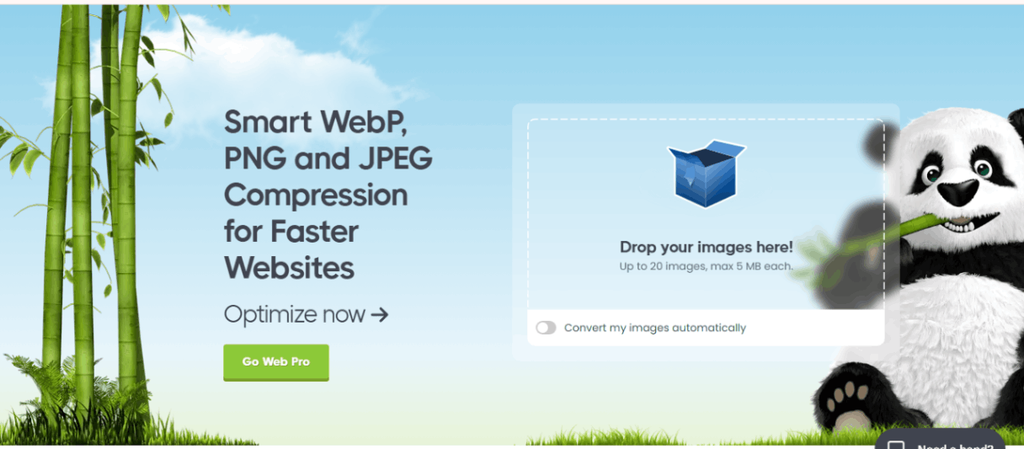
Optimizilla is an online image optimisation tool that uses the best optimisation and lossy compression algorithms to shrink JPEG, PNG, and GIF image format to the minimum size possible.
You can upload up to 20 images and wait till the compression is finished. Once the file is uploaded you’ll be displayed with the thumbnails of all the images in the queue. After that, you can analyse their real-time progress. Change the file size according to your need by moving the quality slider up and down till you settle with your ideal file size and apply it.
When you’re satisfied with the result press the “download all” button and your images will be downloaded in a zip file.
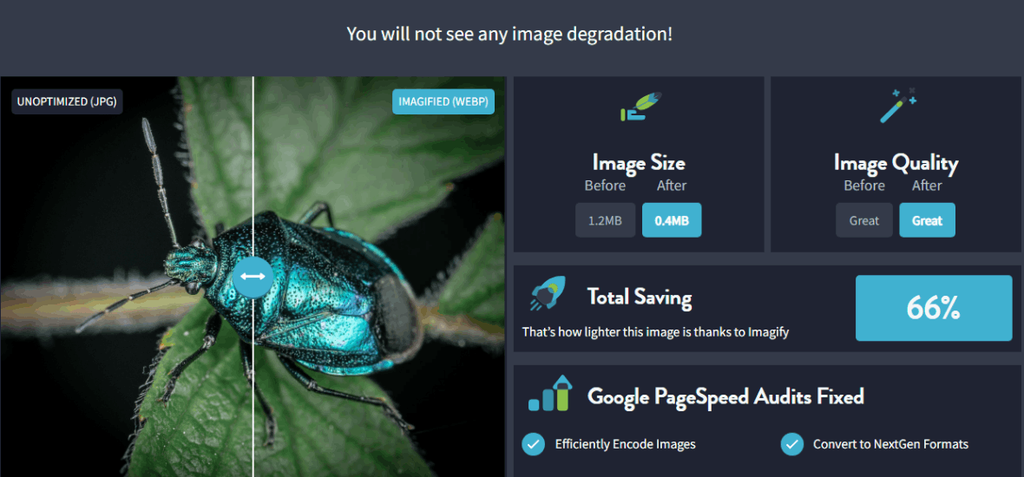
Imagify is an easy optimizer tool for the website. If you’re a newbie and don’t have much knowledge about compression techniques Imagify is perfect for you. Imagify will automatically balance and compress the image without compromising image quality. When they say “quickly” they mean it. Impressively, it takes less than 200 ms per image to optimise.
Compare the result of the images with before and after options available on the dashboard. Imagify is also a WebP optimiser that can take your images to the next level.
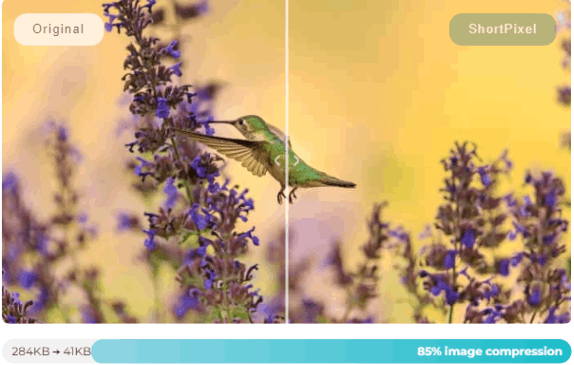
Short Pixel is not an average image optimisation service that compresses the image to 40 or 80 per cent. Their goal is different from others in that it provides the original quality of the image with the least file size possible. With just a few clicks you can convert JPEG and PNG images into WebP and AVIF format.
It provides an Image Optimisation WP Plugin, a Short Pixel optimisation App for Android and Adaptive Images WP Plugin. They have optimised images for 1million+ websites for 6million+ users worldwide and more than 6 million web traffic saved.
Screenshot of Compression done Short Pixel
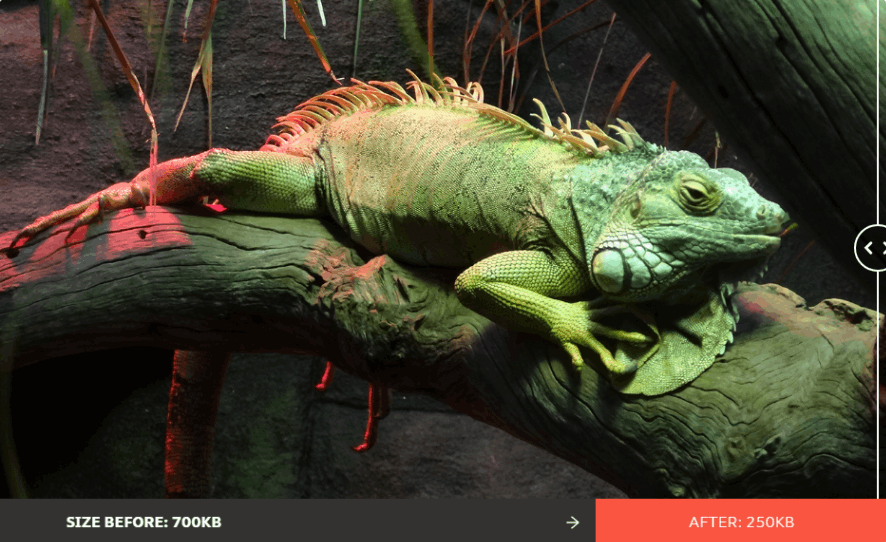
Use Compressor for fast and efficient At Compressor, you will be provided with two options “lossy” and “lossless” to maintain a balance between the quality and the file size. It optimises images of JPEG, PNG, SVG, GIF AND WeBP.
In the Premium option, you can preserve metadata, fix photo orientation and add suffixes and prefixes to the image.
Screenshot for compression done by Compressor
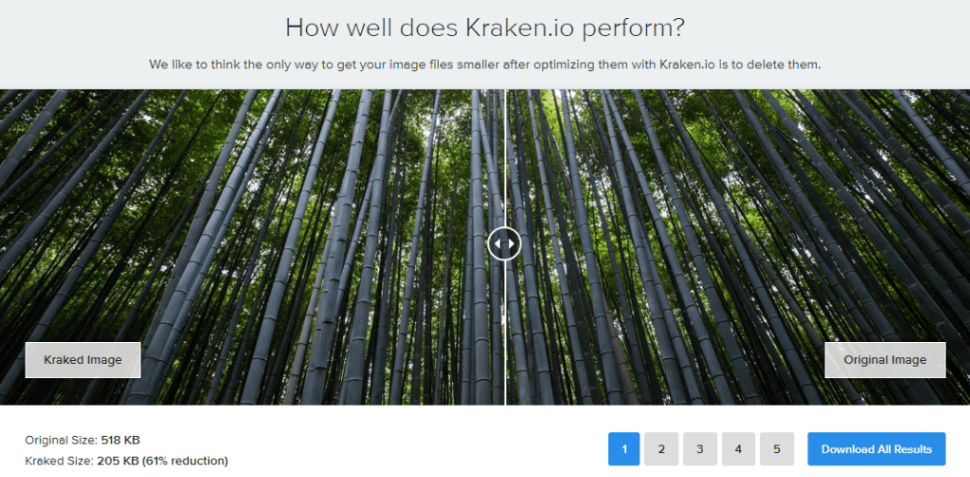
Kraken is yet another robust image optimizer with a best-in-class algorithm that helps to save bandwidth and storage space which in turn will reduce the speed load time. All the plans come with a free account of 100 MB of testing quota, further, it is equipped with Full API Access, Web Interface Pro, WordPress Plugins, Magento Extention and Kraken Cloud Storage.
Kraken provides no compromise in the image quality and even a novice can use the tool. You don’t need to worry about huge image file size or image size, Kraken will do all the work for you.
With more than 100 K active installs and more than 100M+ images optimised every week, Elemntor is the go-to optimisation tool available online. At Elementor you can create Image Thumbnails, Restore Files, Back up your original image, Bulk or single page optimisation and Upload Optimisation.
You have to choose between lossy and lossless compression formats
- Lossy compression means there is a slighter decrease in image quality while reducing the image file size.
- Lossless Compression means the difference in the quality of the images is negligible with the least image file size possible.
They provide various plans according to your needs but you can try their free trial before making the decision.
Image Kit provides automatic image optimisation at scale to give the best quality images and image format using a single URL. It is AVIP and WebP supported. You will be provided with the” control format option” to format the “transformation parameter in the image URL” to decide the ideal image output.
It is free until you decide to upgrade to their premium plans.
Other than Image compression they provide image metadata management to make your website more leaner and faster. They also provide a quick report on how to optimise your images on the website for both desktop and mobile versions.
More than 1500 companies and 1,00,00 developers use Image Kit to improve the performance of their sites.
JPEG Optimizer is a free tool to reduce and compress JPEG, PNG & GIF and convert them into other formats. You can try 20 images at once.
To use JPEG Optimizer you need to upload the file, select the preferred quality, maximum size & maximum height and width of the image, output format and compress it.
If you have any specific needs related to JPEG format this tool is suitable for you. After you are satisfied with the result you can download the compressed file which will provided in a Zip file.
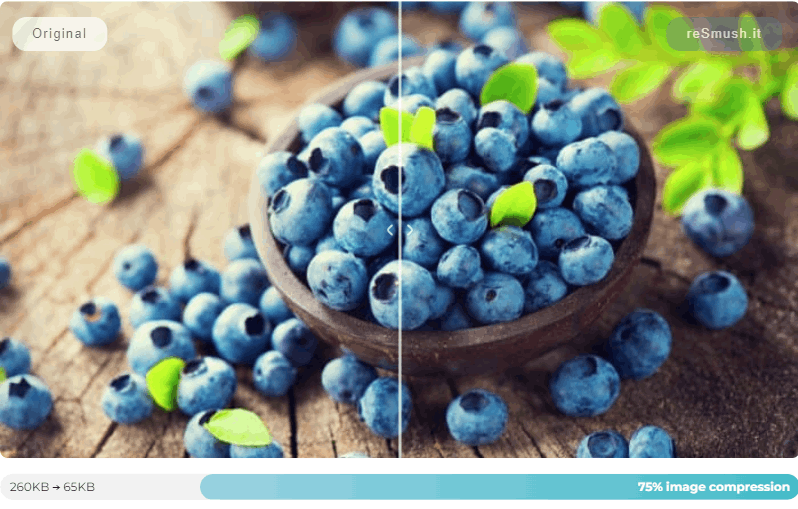
It is a completely free WordPress smush image compressor. You can smush images with various methods like WordPress Plugin, Available integration or directly through API. They effortlessly reduce JPEG, PNG and GIF files. It doesn’t support the current WebP and AVIF format.
In other words, though it is free of cost and can provide a decent result it won’t be the best option if your work is current generation related.
Conclusion
Image optimisation is an important step in the SEO profession or in general. Do not underestimate by neglecting it as it can impact your overall website performance.
We hope this guide was helpful for you. Optimise the images with the best and most effective tools that result in attracting more traffic by increasing the qualitative user experience.